Android
Use the browser menu and select the available install or add-to-home-screen action.
Installable web app
Use the installation or add-to-home-screen option offered by your browser. Availability and wording depend on the device.
Use the browser menu and select the available install or add-to-home-screen action.
Open the site in Safari, use Share and select Add to Home Screen when available.
Compatible browsers expose installation from the address bar or application menu.
In the builder
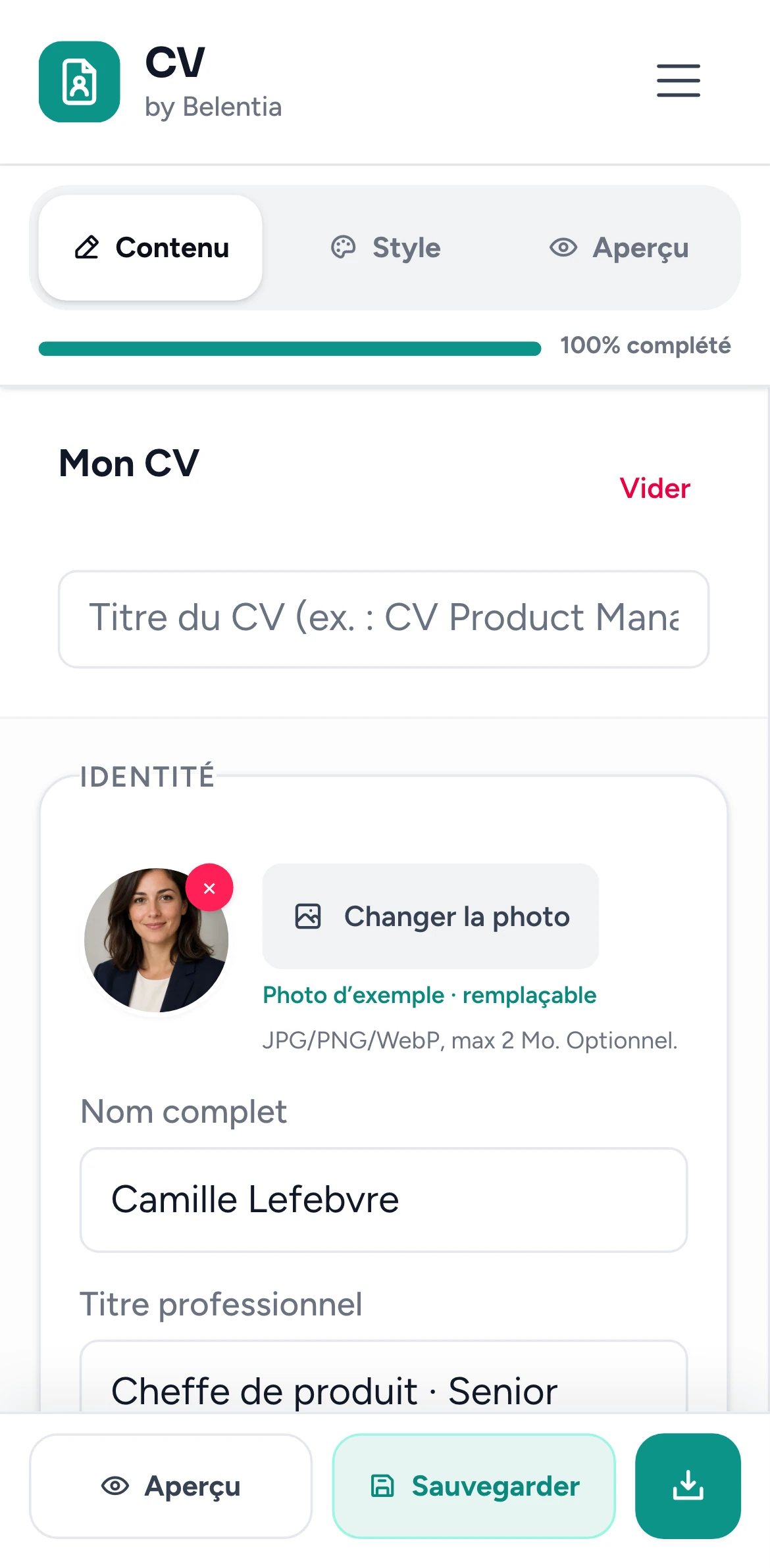
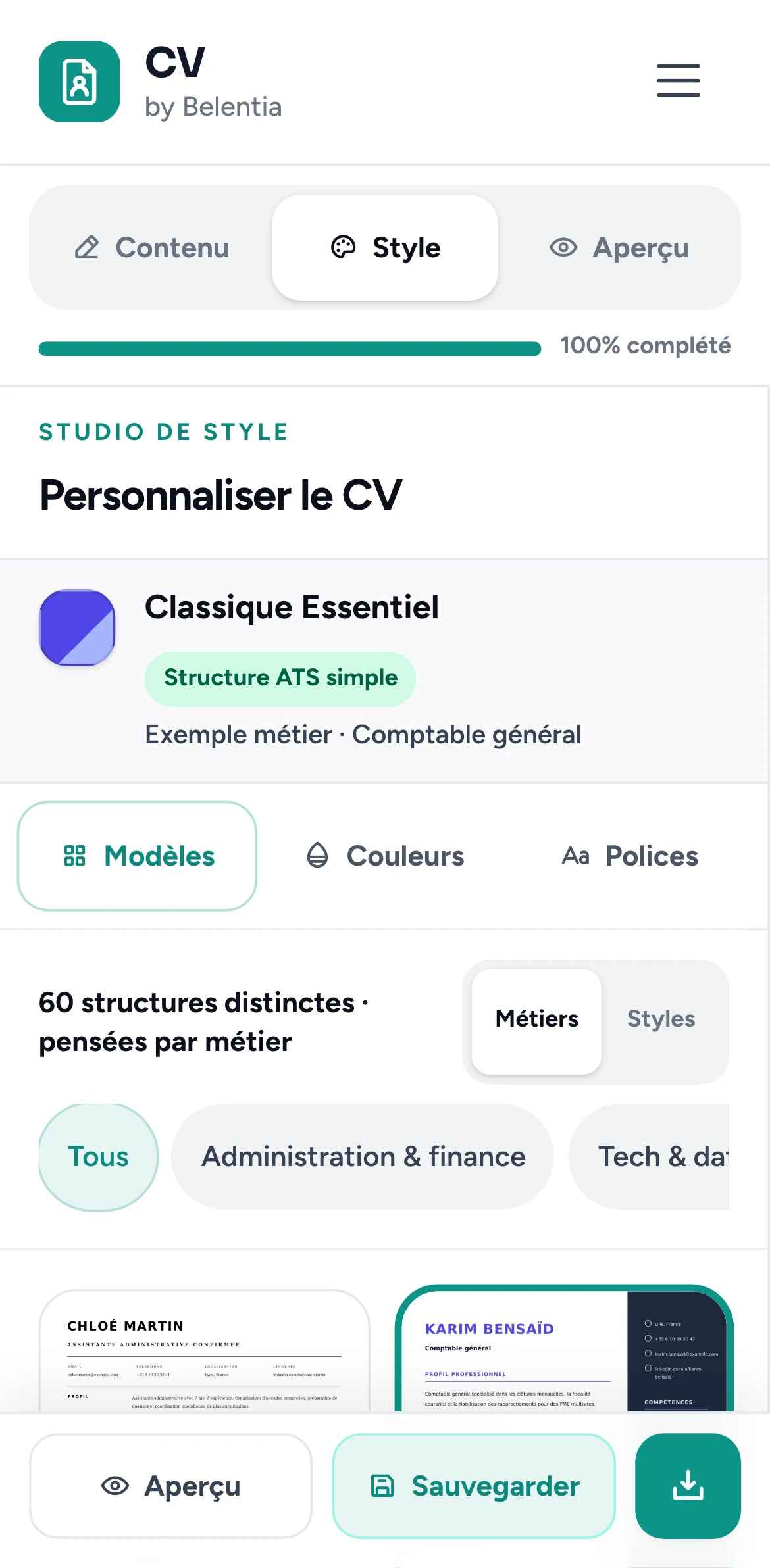
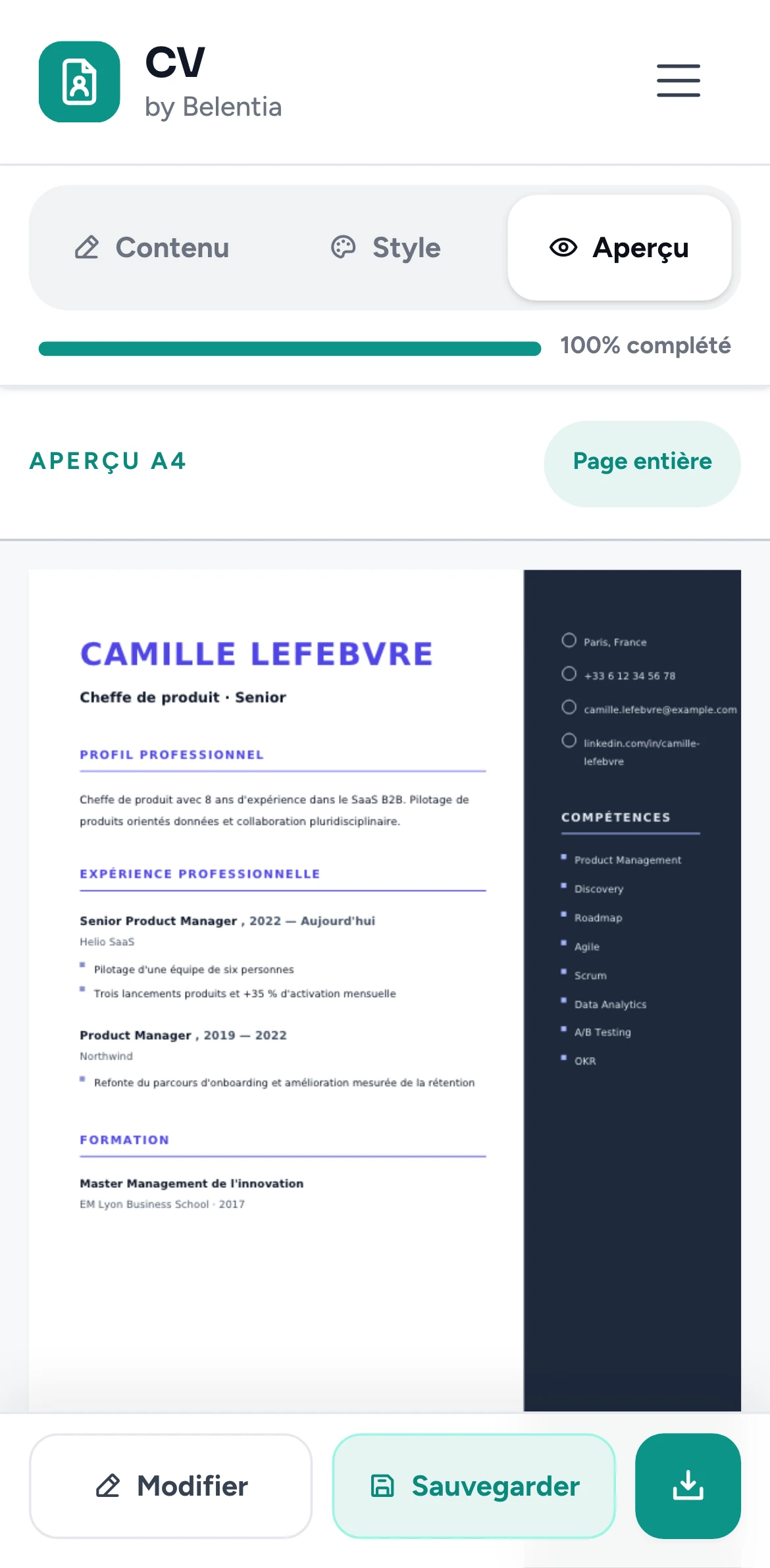
Real screens of the builder on a phone. The same editor works on a computer, with the preview beside the form.
Questions
Yes. 2 families are available without a card, with the displayed free-tier saving and export limits.
No. Guidance can improve clarity, but no tool knows every employer’s configuration or guarantees selection.
You retain ownership of the personal content you enter and the resumes you create.
No. Every purchase is a one-time payment: a single family (€4.99 or €7.99) or All Access at €19.99 for all 60 current families. No recurring charge and no card kept for later.
Keep reading
Standard headings, truthful keywords and a PDF check before you send it.
ReadState the target, translate transferable skills and keep the evidence concrete.
ReadLive preview, styles inside each family and clear access rules.
ReadStart with one of the 2 free families and review the live preview before creating an account or choosing a paid design.
Paiement unique sécurisé par Stripe. Aucun prélèvement récurrent.